 Dentaverse®
 Install from Meta StoreInstall
Present
treatment plans
to patients in VR
A free app for dentists on Meta Quest headsets.

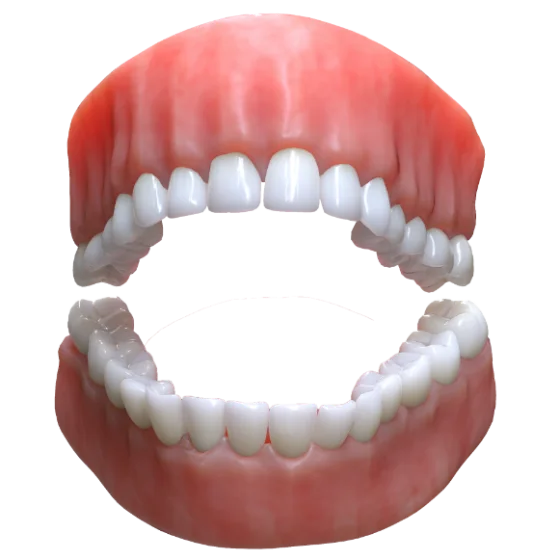

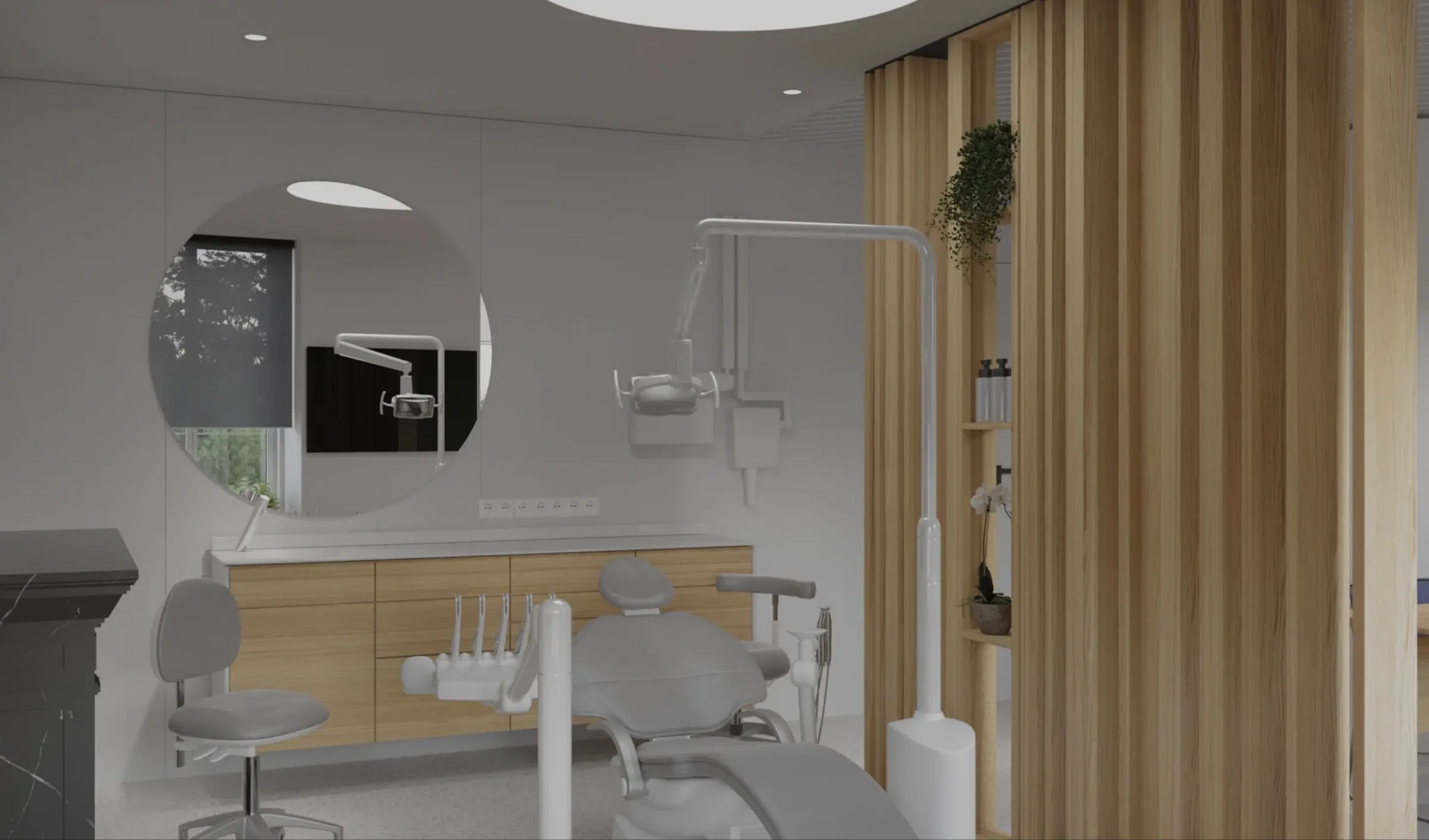
Dentaverse® is a VR experience for dental clinics. Dentists preview STL models with patients in a shared virtual space — so treatment is easier to explain and easier to accept.

Immersive
presentation

STL
Viewer

Shared
demonstration
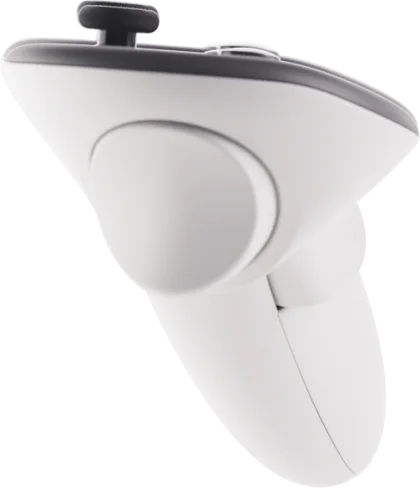
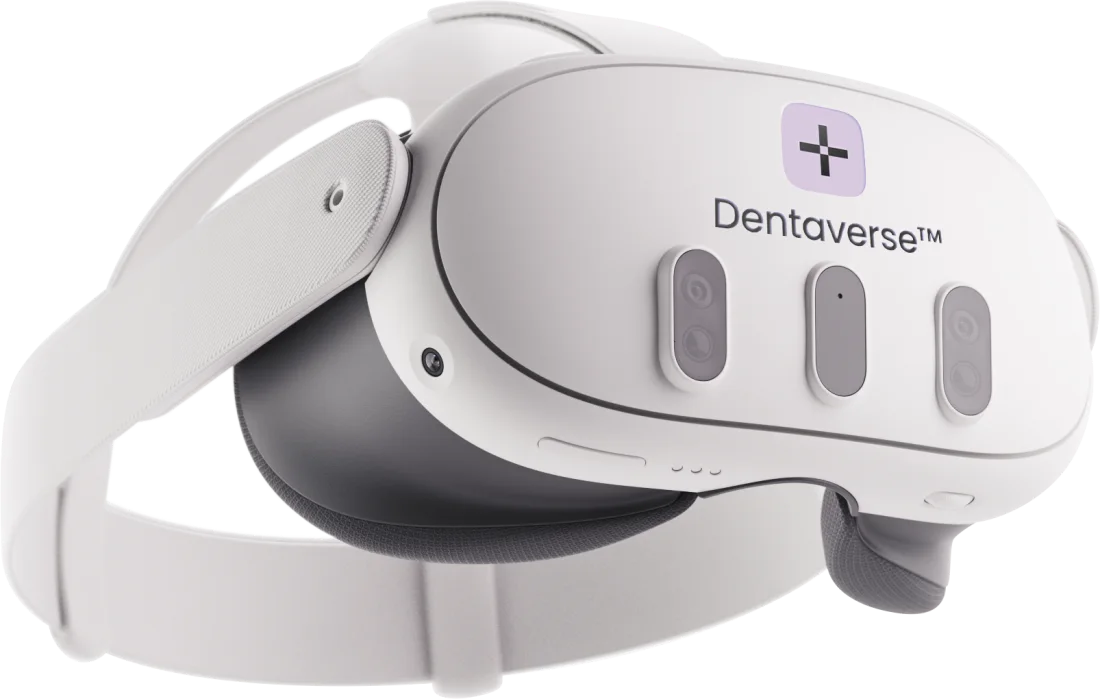




Dentaverse® works with Meta Quest 2, Quest 3, Quest 3S and Quest Pro. Apple Vision Pro support is coming soon.







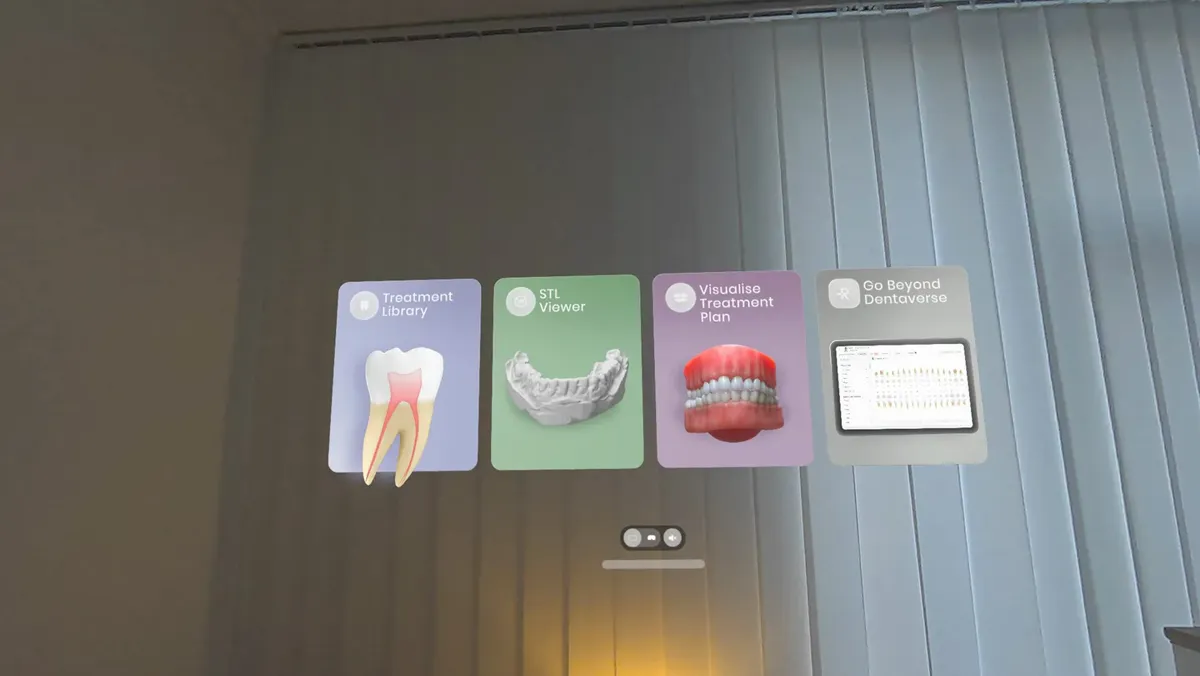
 Treatment Library
 STL
Viewer
 Visualise
Treatment
Plan
 Go Beyond
Dentaverse
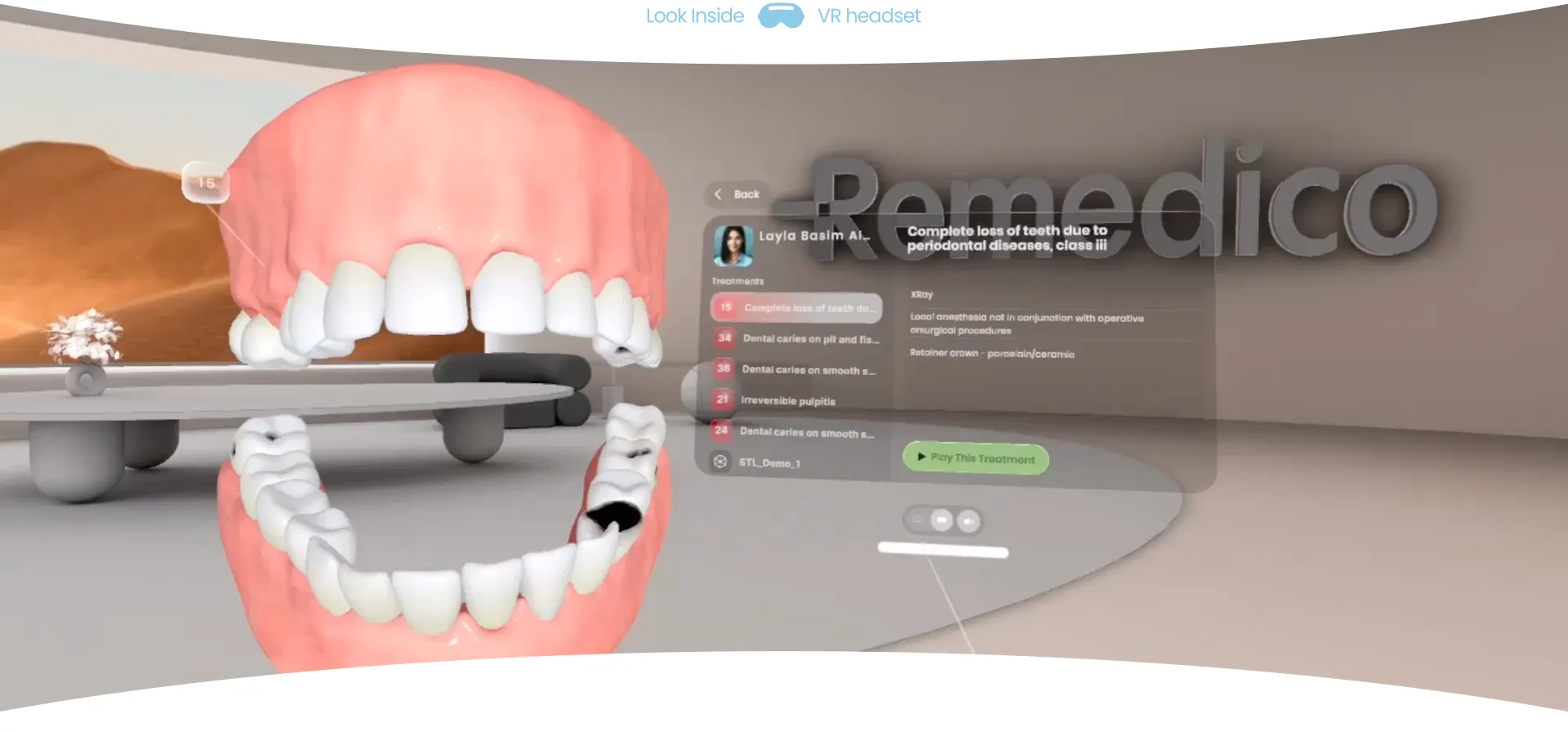
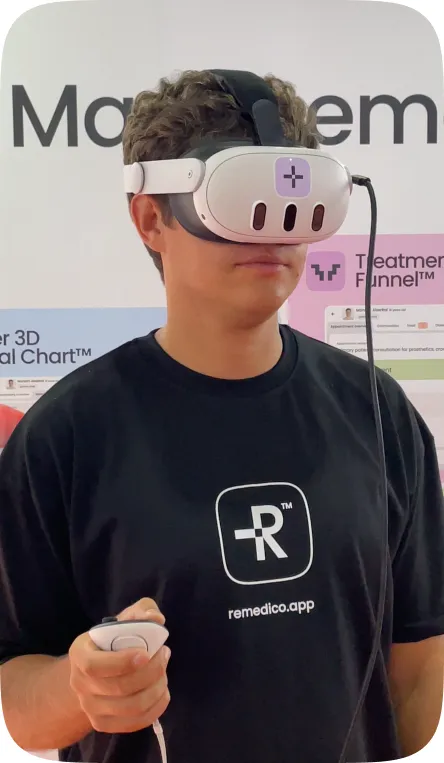
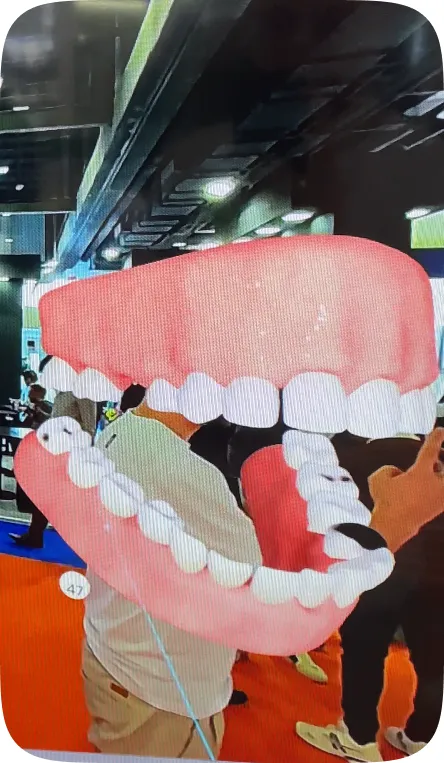
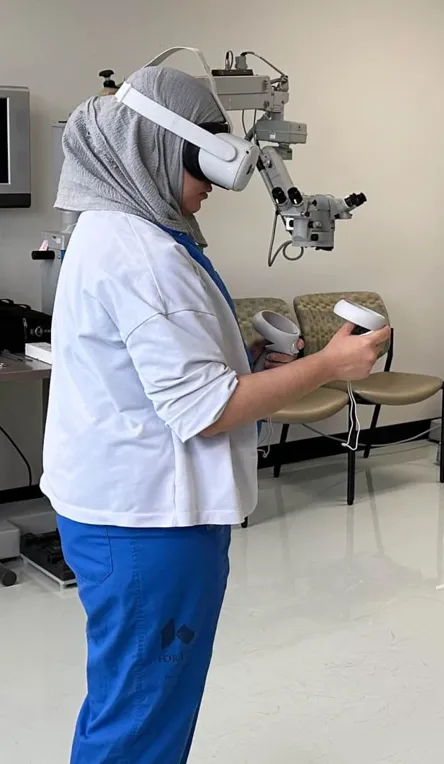
Look inside  VR headset
Captured on Meta Quest in mixed reality
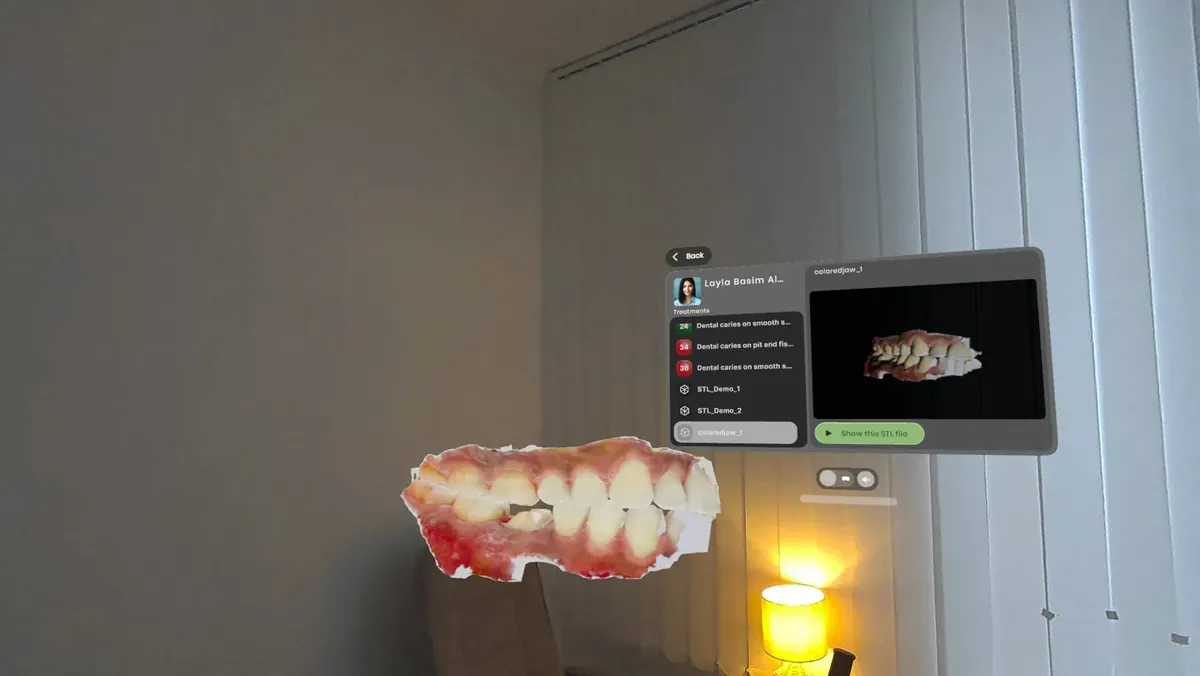
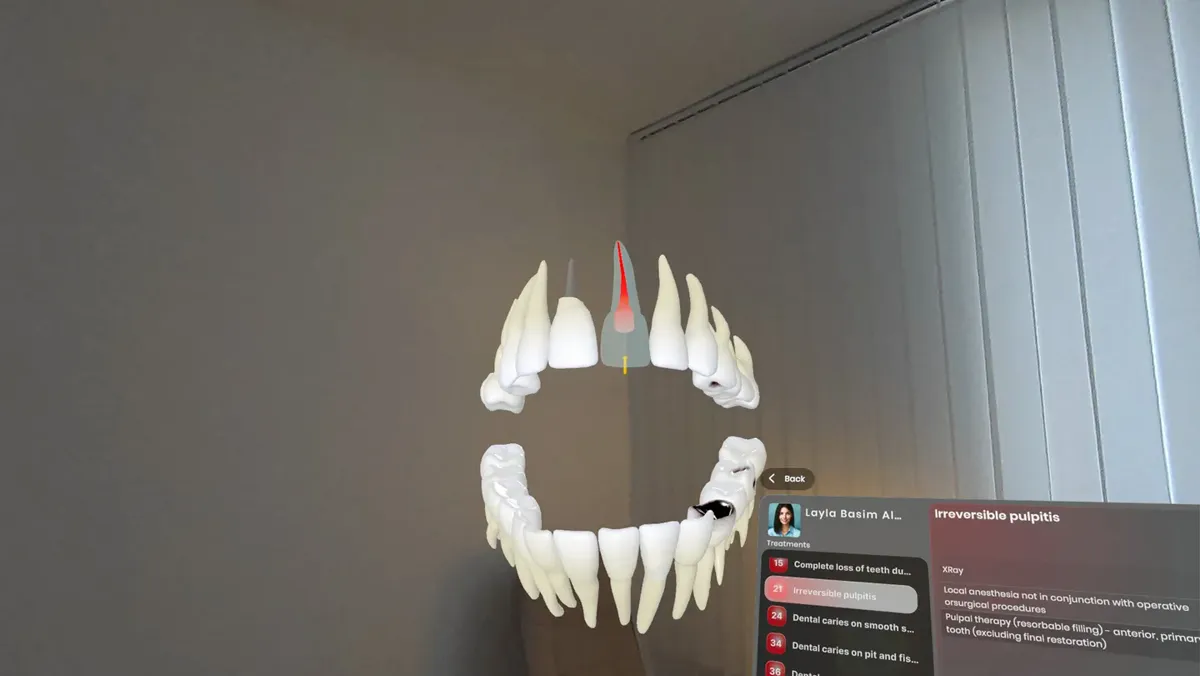
Treatment Library
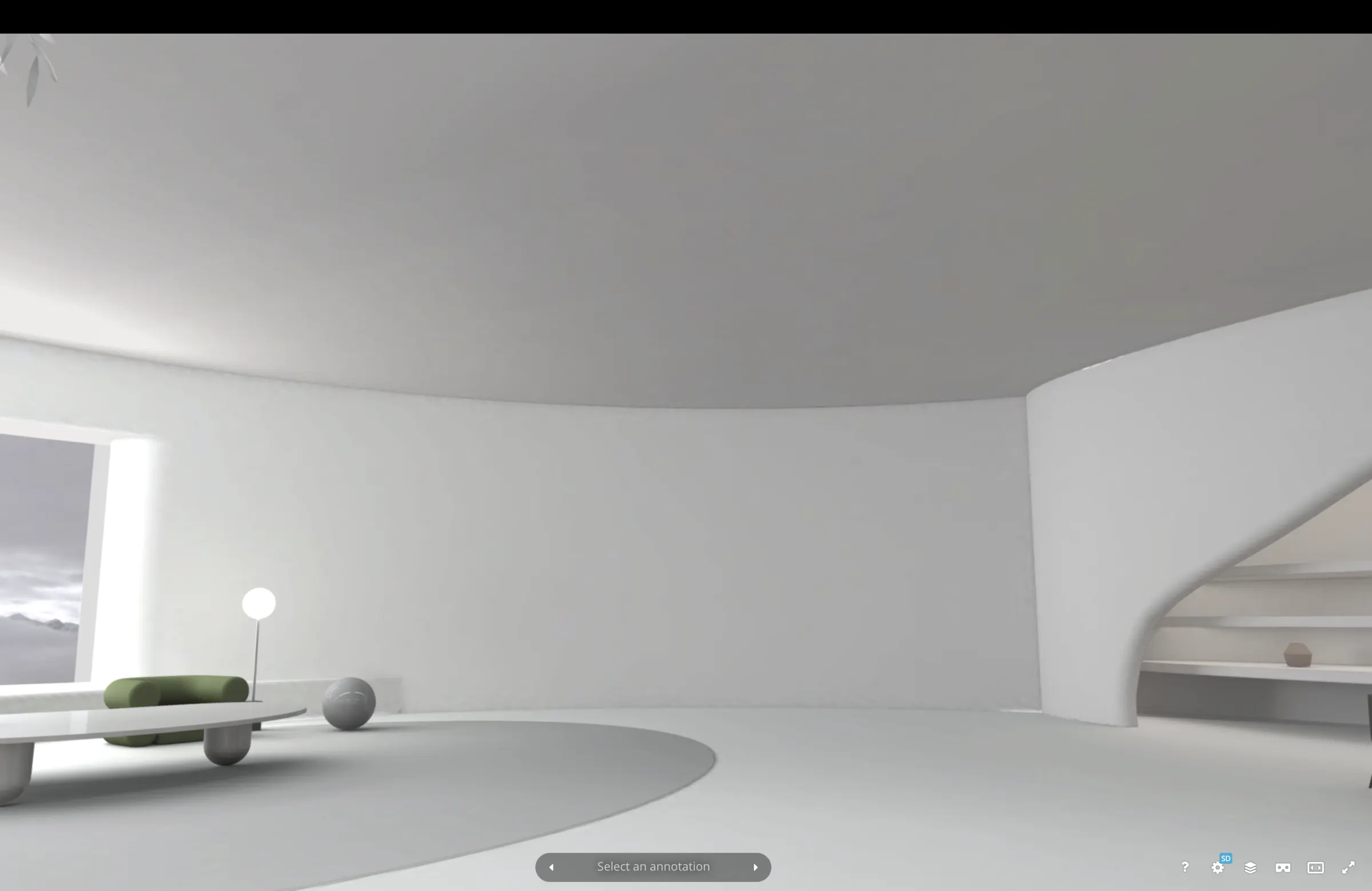
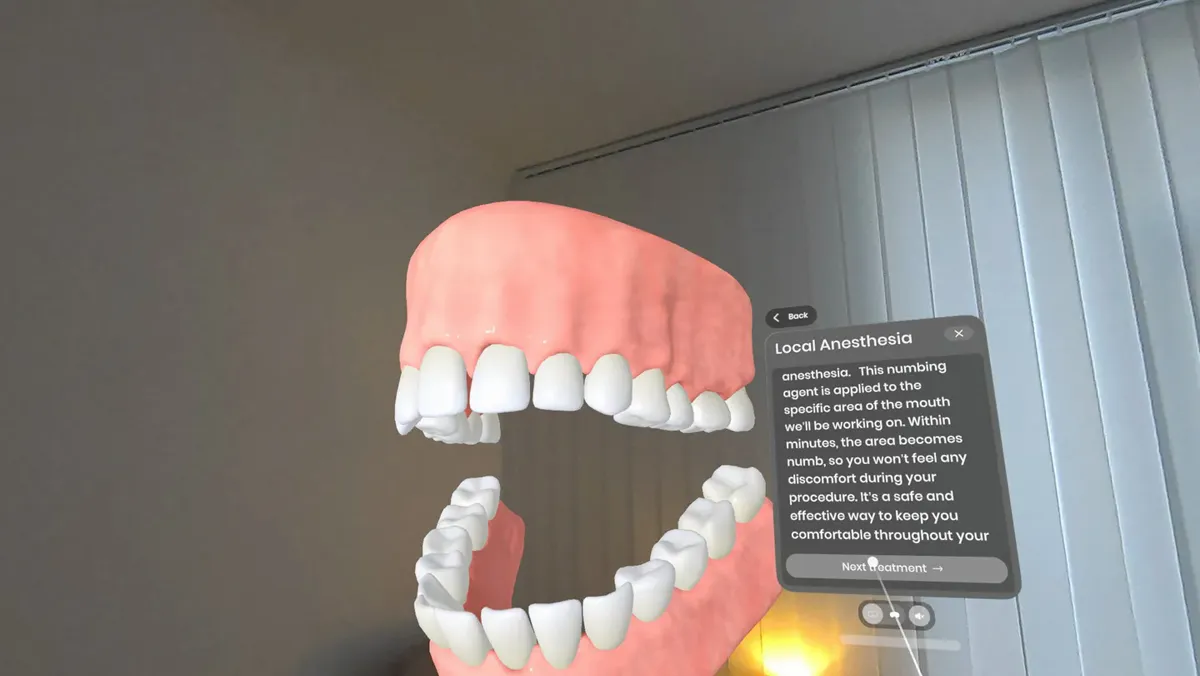
A library of common dental procedures — extraction, fillings, implantation and more — inside a virtual room.
 Try now
 Install the Dentaverse app on your Meta Quest from the Meta Store.
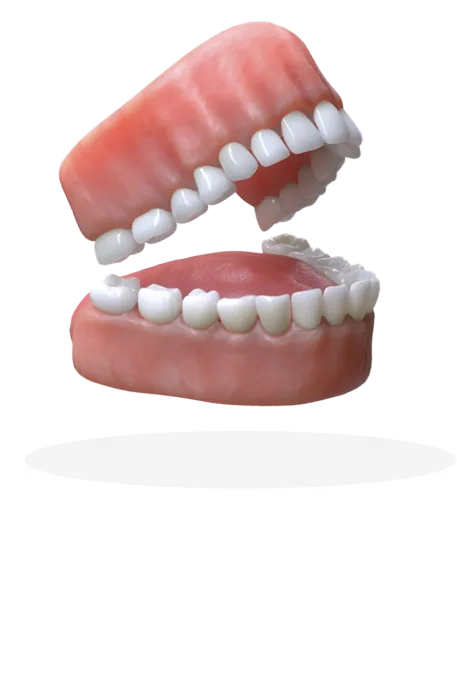
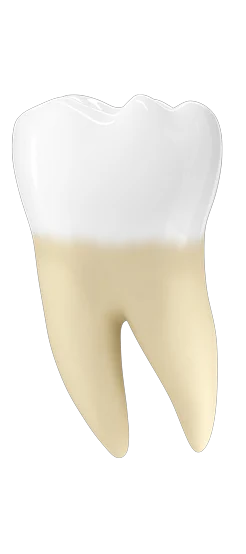

 Treatment Library
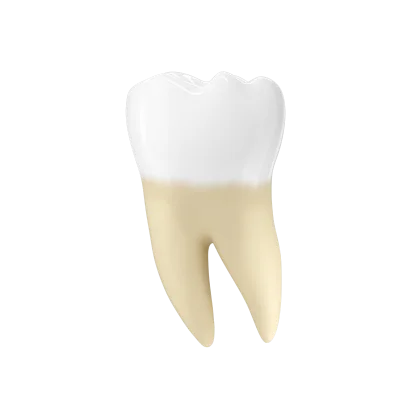
- Extraction

- X-rays
- Local anesthesia
- Implantation
- Fillings
- Crowns
- Root treatment
- Bridge


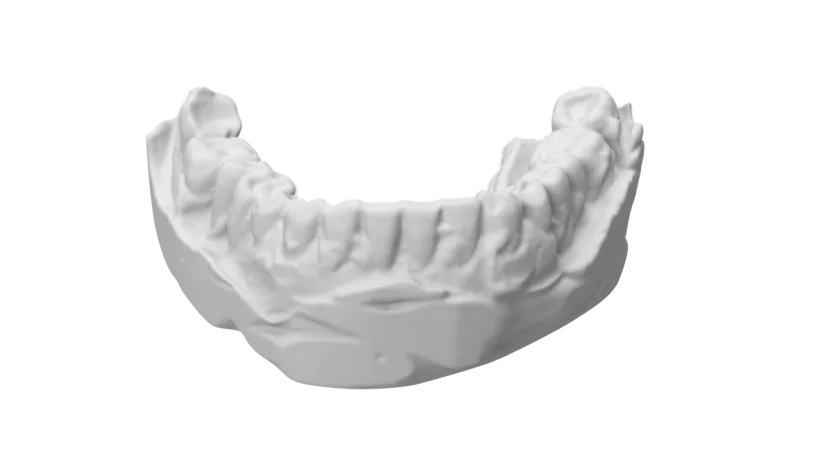
STL Viewer
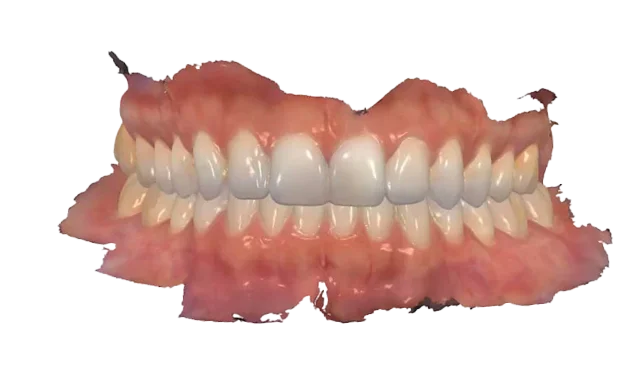
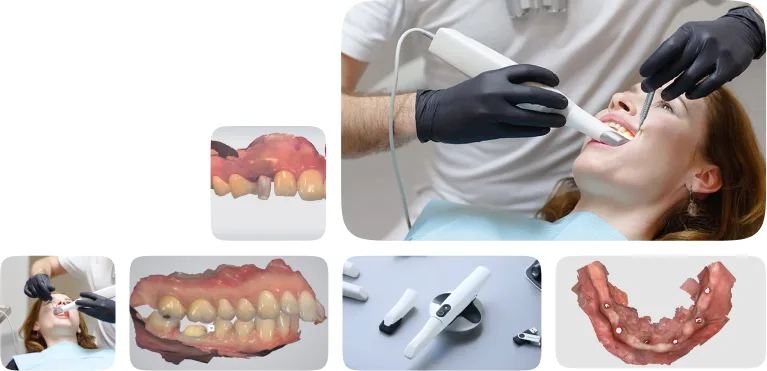
STL file examples
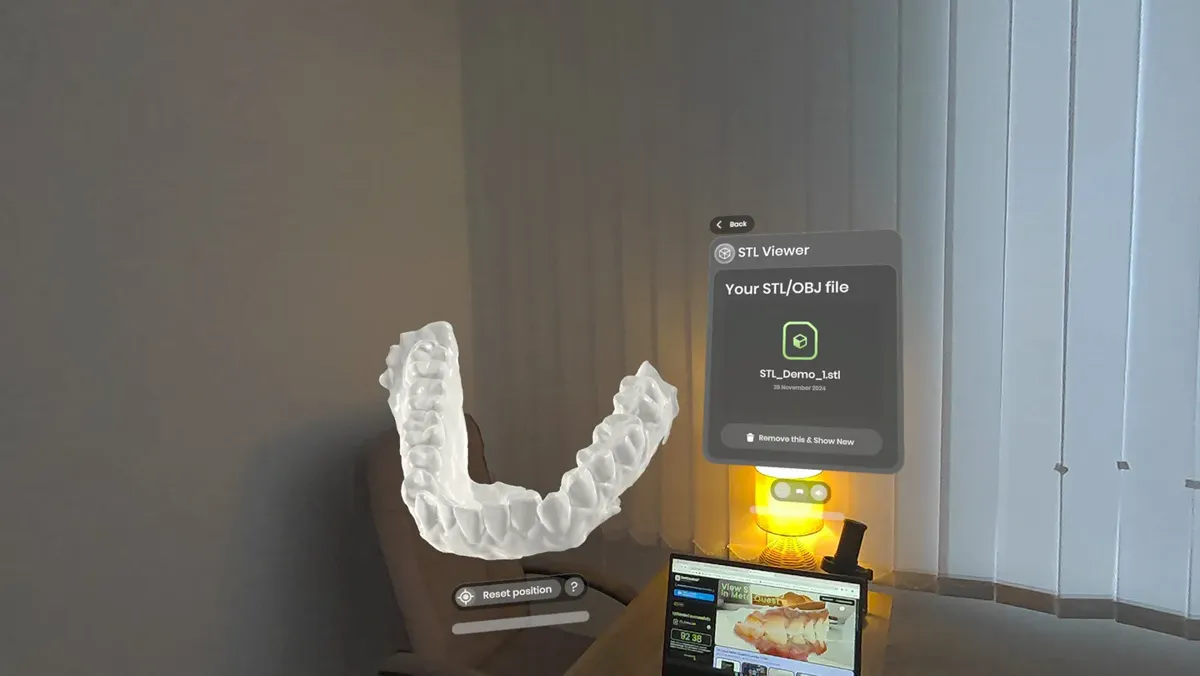
Examine every detail of a 3D oral scan in VR. Zoom up to 3000% for precise diagnostics and treatment planning.
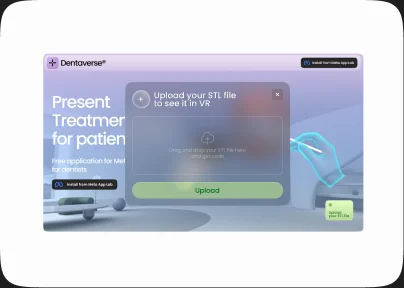 Step 1
Upload your STL file and receive a unique code.
- Step 2
Put on your VR headset and open the Dentaverse app.
- Step 3
Enter the code in the “STL Viewer” section.
- Step 4
Explore detailed 3D scans of your patient’s teeth and oral cavity.
Install the Dentaverse app on your Meta Quest from the Meta Store.
Visualise
Treatment Plan
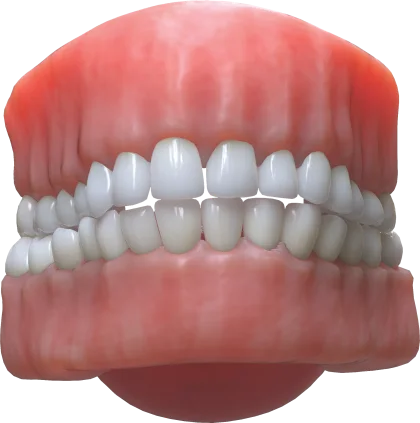
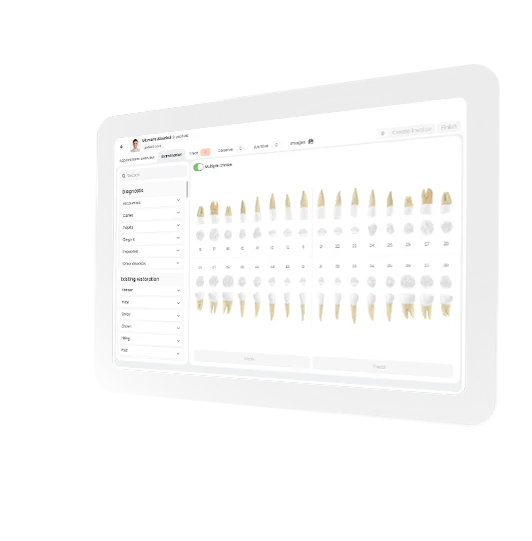
Connect Dentaverse® to Remedico EMR to sync treatment cases with their ICD-10 diagnoses and procedures. Each case plays out in 3D on a virtual jaw, so patients understand their treatment during the consultation.
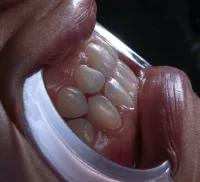
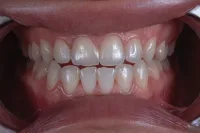
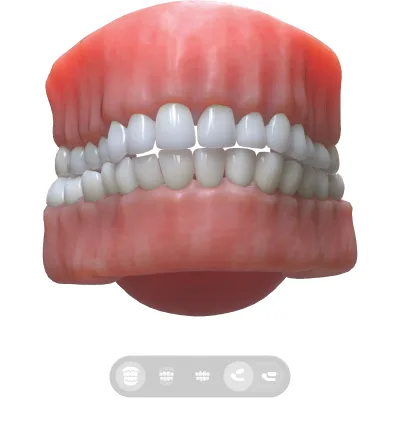
Patient photos and STL files, such as oral scans, sync from Remedico to Dentaverse automatically.







Streamline your workflow with Remedico
Connect Dentaverse to Remedico, the complete dental clinic management system, and keep one flow from patient records to treatment planning.
Learn more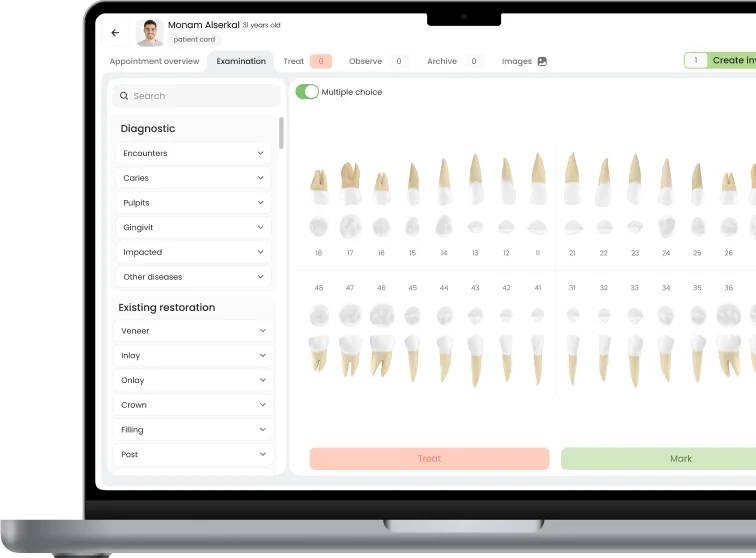
Customers say
Rated 5.0 on the Meta Store

Transforming my experience with patientsLove using this app to help explain to patients what issues they have and what we’re going to do to fix it. It’s helped increase patients’ acceptance of treatment and reduce apprehension.
Amazing for STL spatial viewing!Finally a decent app for the dental industry. Definitely a great start — the STL viewer is great.

The best designed productI use Remedico for my practice. Some features were missing, but the Remedico team added them fast. The best designed product on the market.
Wonderful!Really useful app for dentistry.

Get started
with Dentaverse
Download Dentaverse on your Meta Quest and start transforming patient care today.
Install from Meta Store